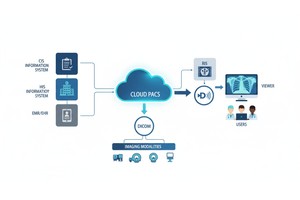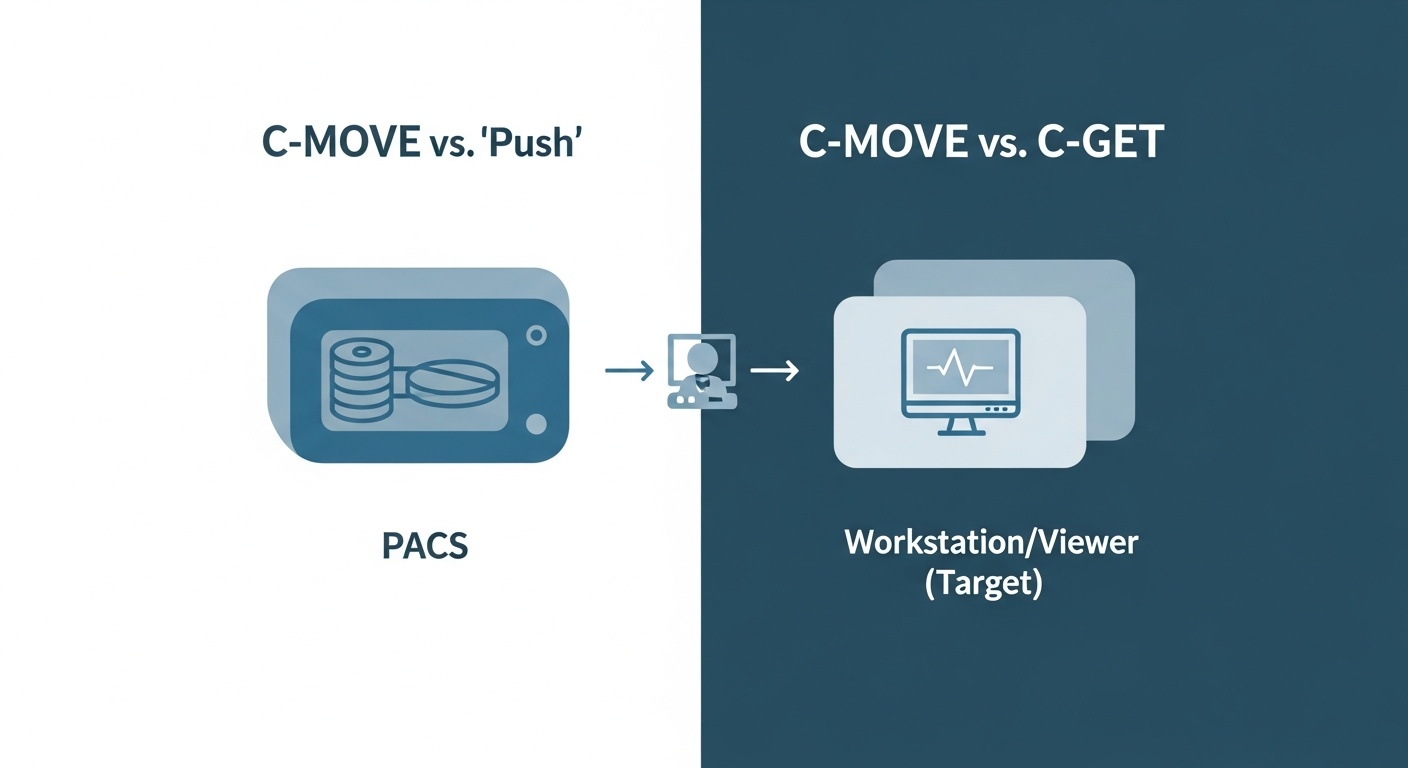
In the world of medical imaging, the ability to seamlessly access and retrieve patient studies from a Picture Archiving and Communication System (PACS) is fundamental. Whether you're a radiologist pulling up a prior scan for comparison, a clinician reviewing images at a patient's bedside, or a developer building a new medical application, you rely on a set of standardized commands to make this happen.
Two of the most talked-about, and often confused, commands for this task are DICOM C-MOVE and C-GET.
On the surface, they both achieve a similar goal: retrieving DICOM studies. But they operate in fundamentally different ways, leading to significant implications for workflow, network configuration, and application development. In this guide, we'll demystify these two essential commands, answer your key questions, and help you understand which one is right for your needs.
Let's dive in and answer the big questions:
• What's The Real Difference Between C-move And C-get?
• Is C-get Retired Or Obsolete?
• Should I Use C-move Or C-get For My App?
• Why Does C-move Sometimes Feel Slower?
Before you can retrieve an image, you have to know it exists and where to find it. You can't just ask a PACS to "get me Jane Doe's chest X-ray." You need to query the PACS archive first. This is where the C-FIND command comes in.
Think of C-FIND as the search function for the PACS library. You send a query with specific criteria (like patient name, patient ID, study date, or modality). The PACS then searches its database and returns a list of studies that match your request. This is often done using a DICOM patient root query, which is a hierarchical search model starting from the patient level down to the series and image level.
Once C-FIND gives you a list of unique identifiers (UIDs) for the studies you want, you're ready to retrieve the actual image data. This is where C-MOVE and C-GET enter the picture.
C-MOVE is by far the most common and widely implemented retrieval method in modern PACS environments. The "MOVE" in its name is a bit of a misnomer; it doesn't actually move the data in the sense of deleting it from the source. It copies it. A more accurate way to think of C-MOVE is as a "push" or "forward" command.
Here’s how it works:
1. Your Application (the Client, Or Scu) Establishes A Connection With The Pacs (the Server, Or Scp).
2. You Use C-find To Locate The Desired Study.
3. You Send A C-move Request To The Pacs. This Request Includes Two Crucial Pieces Of Information: The identifiers of the study you want to retrieve.The Application Entity Title (AE Title) of the destination where you want the study sent.
• The Identifiers Of The Study You Want To Retrieve.
• The Application Entity Title (ae Title) Of The Destination Where You Want The Study Sent.
4. The Identifiers Of The Study You Want To Retrieve.
5. The Application Entity Title (ae Title) Of The Destination Where You Want The Study Sent.
This destination could be your own application, a radiologist's workstation, a surgical planning system, or any other DICOM-compliant device on the network.
The key thing to understand is that the PACS initiates a new, separate connection to the specified destination and then "pushes" the images to it using the C-STORE command. Your application simply acts as the orchestrator, telling the PACS what to send and where to send it.
Analogy: Using C-MOVE is like ordering a package from an online store and having it shipped directly to your friend's house. You place the order (the C-MOVE request), but the store (the PACS) is responsible for the actual delivery (the C-STORE push) to the address you provided (the destination AE Title).
C-GET, as the name implies, is a "pull" model. It's a more straightforward and intuitive method of retrieval.
Here’s the C-GET workflow:
1. Your Application (the Client) Establishes A Connection With The Pacs (the Server).
2. You Use C-find To Locate The Desired Study.
3. You Send A C-get Request To The Pacs, Specifying The Study You Want.
The PACS then sends the requested images back to your application over the very same connection that you used to make the request. There is no third party, and no new connection is initiated by the server.
Analogy: Using C-GET is like going to a library, finding a book, and checking it out at the front desk. The entire transaction happens directly between you and the librarian (the PACS) over the same counter (the same network association).
| Feature | C-MOVE ("Push") | C-GET ("Pull") |
| Communication Model | Three-party model. Client tells Server A to send data to Destination B. | Two-party model. Client tells Server A to send data back to the Client. |
| Network Association | The PACS (Server) initiates a new association to the destination for the C-STORE operation. | The entire operation (FIND, GET, STORE) occurs over a single, client-initiated association. |
| Network Configuration | More complex. The PACS server must know the AE Title, IP address, and port of the destination. Firewalls must allow the PACS to initiate connections outward. | Simpler. As long as the client can reach the PACS, it should work. No inbound firewall rules are needed for the client. |
| Industry Adoption | The de facto industry standard. Supported by virtually all modern PACS vendors. | Very low adoption. Rarely implemented by major PACS vendors. |
| Primary Use Case | Flexible routing of images across a healthcare enterprise (e.g., from archive to a modality or diagnostic workstation). | Simple, direct retrieval of images to the application that is making the request. |
This is a common observation and a key point in the c-move vs c-get speed dicom debate. While C-GET might seem faster in theory due to its simplicity, the perceived slowness of C-MOVE is usually not due to the protocol itself, but rather the operational context:
1. Association Overhead: C-MOVE requires the PACS to negotiate and establish a brand-new network association with the destination. This handshake process adds a small amount of time and processing overhead before the first image byte is even sent.
2. Network Configuration Issues: The most common cause of C-MOVE failure or slowness is incorrect configuration. If the PACS doesn't have the correct AE Title, IP address, or port for the destination, the transfer will fail. Firewalls blocking the PACS from making outgoing connections are another frequent culprit. Troubleshooting these issues can be time-consuming.
3. Pacs Resource Management: PACS servers are busy systems. They may queue C-MOVE requests and process them based on priority, leading to delays. Because C-MOVE decouples the request from the transfer, the PACS has more control over scheduling this workload.
In a perfectly configured network, the speed difference for the raw data transfer is negligible. The "slowness" is almost always related to the setup and initiation phase.
This is a critical question. Officially, no, C-GET is not retired or obsolete in the DICOM standard. It remains a valid and defined part of the specification.
However, in practice, it is largely considered "obsolete by convention." The overwhelming majority of commercial PACS and VNA (Vendor Neutral Archive) systems have chosen not to implement the C-GET SCP (the server-side component). They standardized on C-MOVE decades ago because it provided the flexibility needed in complex hospital networks, where data needs to be routed between many different systems.
While you might find C-GET support in some open-source DICOM toolkits or niche applications, you should never assume a commercial PACS will support it.
 - Created by PostDICOM.jpg)
The answer is unequivocally clear: You should build your application to use C-MOVE.
Basing your application's core retrieval functionality on C-GET is a recipe for incompatibility. You would be limiting your app to working with a tiny fraction of DICOM systems in the world.
For maximum compatibility, reliability, and to ensure your application can function in any modern clinical environment, implementing a robust C-MOVE SCU (the client side) is the only professional choice. While it requires more careful configuration management (your app will need to be a C-STORE SCP to receive the files and be properly configured on the PACS), it is the standard and expected method of operation. When considering how to use c-get in DICOM, the practical answer is often "you don't, for a real-world product."
Wrestling with AE Titles, firewall rules, and the nuances of C-MOVE vs. C-GET can be a major drain on time and resources. This low-level protocol management is exactly the kind of complexity that modern cloud solutions are designed to eliminate.
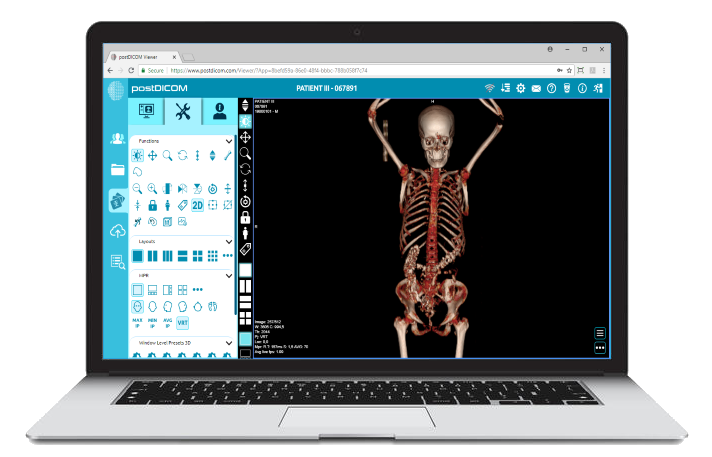
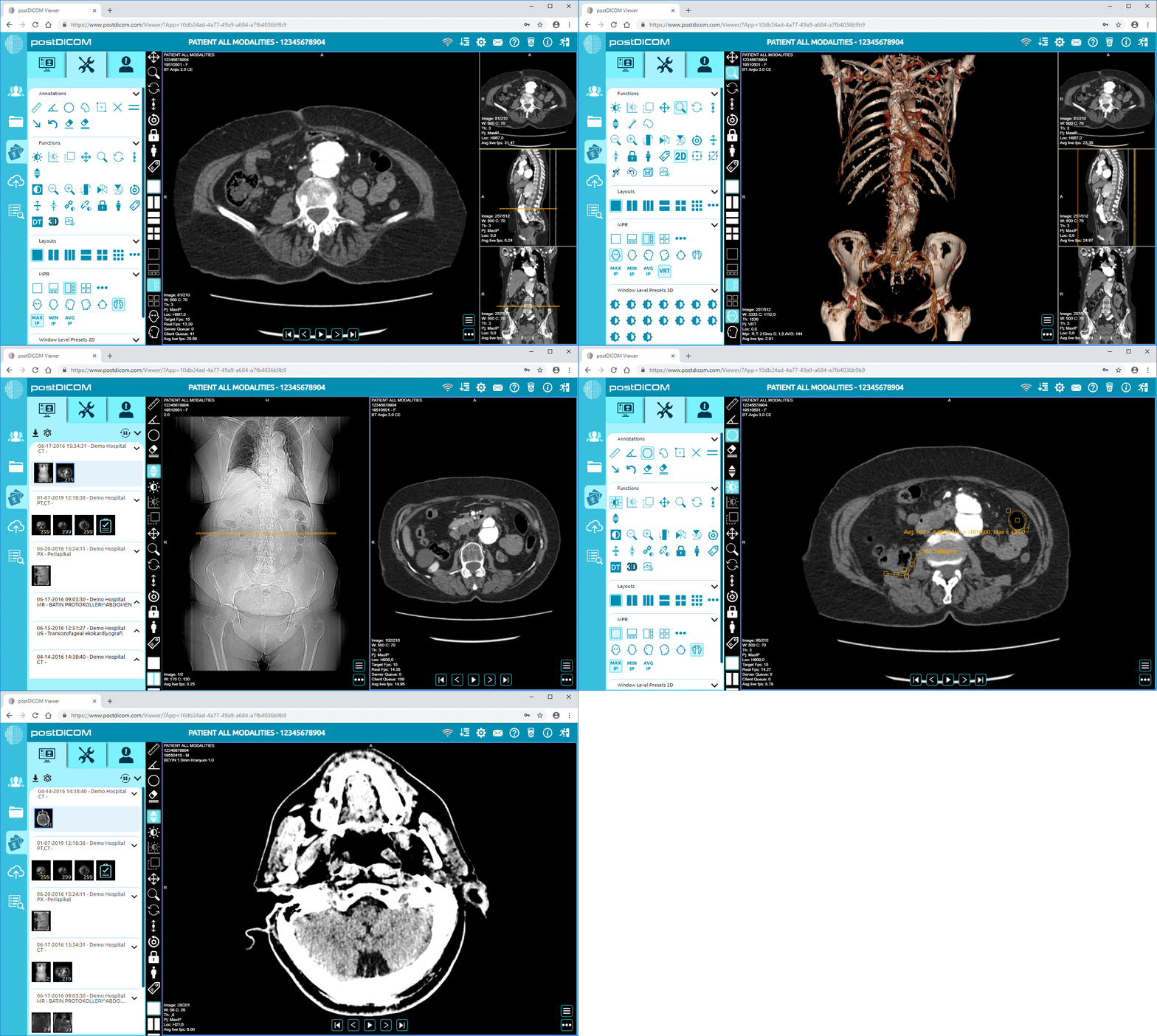
PostDICOM is a powerful cloud PACS that simplifies the entire medical imaging workflow. Our platform handles the intricacies of DICOM communication for you, providing a seamless, secure, and intuitive experience. With our zero-footprint viewer and cloud-based archive, you can access, view, and share medical images from anywhere, on any device, without ever having to worry about configuring a C-MOVE destination.
Stop getting bogged down in the protocol details and start focusing on what matters most: patient care and clinical efficiency. Experience the future of medical imaging management today.
Ready to simplify your workflow? Sign up for your free PostDICOM trial and discover how effortless medical image management can be!
Click Here to Get Your Free Trial Now!
|
Cloud PACS and Online DICOM ViewerUpload DICOM images and clinical documents to PostDICOM servers. Store, view, collaborate, and share your medical imaging files. |