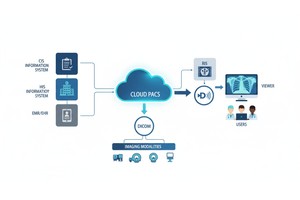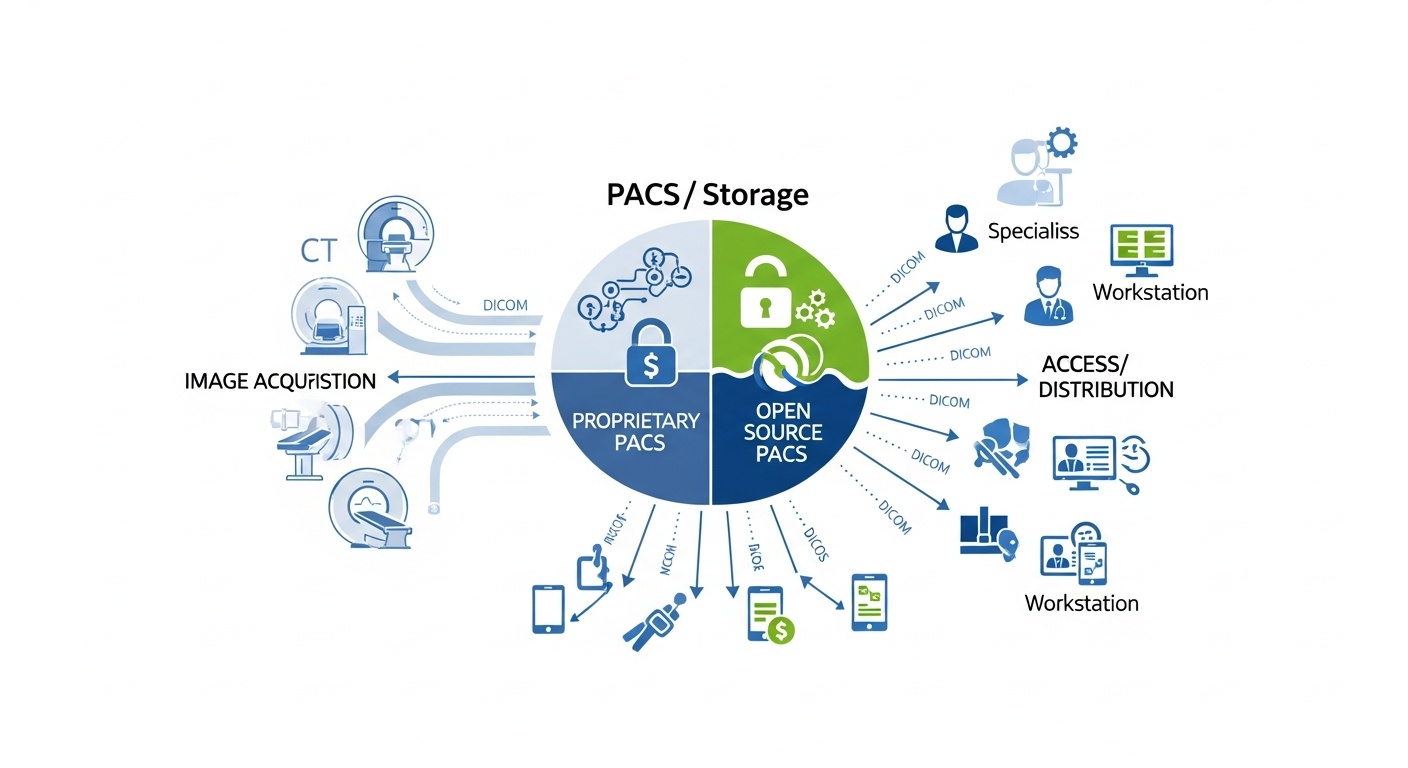
Medical imaging workflows rely heavily on PACS (Picture Archiving and Communication Systems) to store, retrieve, display, and distribute DICOM images. In many institutions, commercial proprietary PACS systems dominate. But there’s a persistent and growing question: when is it practical to use an open source PACS? Under what conditions does it make sense, and when does it become a liability?
In this deep dive, we’ll examine:
• What Counts As An Open Source Pacs And The Landscape Of Available Projects
• The Use Cases Where Open Source Pacs Shine
• The Limitations And Risks You Must Navigate
• Hybrid Models And Paths To Augmentation
• How A Platform Like Postdicom Fits In And Complements Your Open Source Journey
“Open source PACS” is a term that needs precision. At its core, it means software whose source code is open, modifiable, and distributable under permissible open licenses, for handling PACS functions (DICOM storage, indexing, retrieval, queries, etc.). But in practice, not all open source “PACS” are created equal.
Some are lightweight DICOM servers (e.g. Orthanc) rather than full-featured radiology systems. Others are modular frameworks you build around (e.g. Dicoogle) with custom plugins. Some are prototypes emphasizing research use over clinical readiness. As evaluated by comparative studies, the most mature names are Orthanc, DCM4CHE (or DCM4CHEE / dcm4chee), DCMTK, and Dicoogle.
Orthanc, for instance, is widely used as an open source DICOM server with REST API, plugin support, and DICOM store/query capabilities. Dicoogle offers a modular archive architecture targeting teaching, research, and extension by plugin. (dicoogle.com)
Thus, when people talk about open source PACS, they might be referring to:
• A Minimalist Dicom Archive + Query Server
• A Modular Framework Into Which You Or Your Team Build Viewer Modules, Integration Modules, Workflow Logic
• A Full “pacs Server + Viewer + Reporting Support” Stack Built From Open Source Components
Understanding which “flavor” you mean is essential before judging feasibility.
You don’t automatically choose open source just because it's free. The decision depends on your scale, risk tolerance, IT capabilities, and functional needs. Here are scenarios and conditions in which an open source PACS can be a strong option.
If you’re in a university hospital, imaging research center, or teaching institution, open source PACS is often a natural fit. You may want flexibility to experiment (e.g. integrate AI inference, custom preprocessing, hybrid storage policies, research pipelines). You may not need full vendor certification or 24/7 clinical support. Open source projects like Dicoogle are explicitly built for modifiability and research extension.
When your mission is innovation rather than high-stakes patient workflows, having the source code to adapt, extend, and debug is a powerful advantage.
If your imaging facility is small, generates limited volume, and cannot afford the upfront licensing costs of commercial PACS, open source can reduce barriers to adoption. A lightweight solution like Orthanc (acting as PACS server) may suffice for storing, querying, and simple review of studies.
However, this works best when your modality mix is modest, your integration demands are limited, and your staff are comfortable managing IT infrastructure.
When you want to piloted new features (AI plugins, advanced QA tracking, custom workflows) before committing to a full commercial system, open source lets you experiment. You can build modules on top of a stable base, test them, and later decide whether to migrate or integrate with a commercial PACS.
You might begin by ingesting a subset of modalities or a specific use (e.g. chest X-ray archiving) in open source, while your main PACS handles full operations.
Sometimes open source PACS is not your entire system but a microservice or component. For example:
• Use Open Source Dicom Server For Modality Ingest And Basic Archive, While Leveraging A Commercial Viewer Front End
• Use Open Source Pacs Locally Or On A Branch Hospital To Collect Studies, Then Forward To A Central Commercial System
• Use Open Source Pacs For Research Buckets Or Secondary Analysis Storage, Leaving Primary Clinical Pacs Untouched
In these hybrid roles, open source PACS can reduce cost, increase flexibility, and offload some tasks without risking core operations.
Using open source PACS is not a magic bullet. You must face practical and clinical risks head-on. Let’s talk through the common pitfalls so your expectations remain grounded.
Even among well-known projects, not all modules are at commercial-grade stability. Some open source PACS features (e.g. plug-in frameworks, clustering, enterprise scaling, high availability, federation across sites) may require customization or additional development.
A study comparing open source PACS projects found that while Orthanc, DCM4CHE, DCMTK, and Dicoogle score high, none perfectly match commercial full PACS in enterprise readiness across all metrics.
Before committing, you must test edge cases: high concurrency, heavy query load, large multi-slice studies, multi-site replication, disaster recovery.
Open source projects rely on community support, forums, and volunteer contributors. There may be no guaranteed SLA, dedicated support staff, or hotfix turnaround. If your PACS server goes down in the middle of clinical hours, you may have to debug it yourself or contract a third party.
Also, documentation may lag behind features. You may find gaps, missing examples, or obscure plugin APIs.
In many jurisdictions, PACS used for primary diagnosis must comply with medical device regulations (FDA, CE, local health regulations). Open source software may lack formal certification or validation. If your system is intended for diagnostic use (vs educational or research use), using open source components might require additional validation steps, regulatory review, risk management, and QA documentation.
If the vendor you choose is not accountable or certified, your institution may bear risk, especially in litigation or audit.
You’ll need to integrate with RIS, HIS, EMR, reporting engines, modality worklists, orders, HL7 or FHIR interfaces. Commercial PACS often provide connectors, vendor-tested integrations, and interface modules. With open source, you may spend more effort writing adapters, maintaining FHIR/HL7 bridges, error handling, and upgrades.
You must ensure interface robustness, queuing, error recovery, monitoring, and version compatibility.
At small scale, open source PACS may run fine. But when volume grows, query load increases, users from multiple sites access concurrently, and latency becomes critical, performance weaknesses may emerge. Designing sharding, caching, distributed architecture, failover clustering, replication, and load balancing are complex tasks.
Open source projects may require you to build custom clustering or use external components (e.g. database clustering, message queues, replication layers).
You also need backup, disaster recovery (geo replication), archiving tiers, and mechanisms to move data across storage classes. All these “enterprise functions” can require substantial engineering.
If you’re debating, here’s a structured way to evaluate whether open source PACS is suitable in your situation:
1. Clinical Criticalityif Failure Or Downtime Would Endanger Patient Care Or Incur Legal Risk, Relying Solely On Unsupported Open Source May Be Risky Without Covering Support Contracts Or Fallback Systems.
2. It Expertise And Staffingdo You Have Staff Who Can Maintain, Debug, Extend, And Secure Open Source Pacs Components? If Yes, Open Source Becomes More Viable. If Not, The “free” Software May Cost More In Hidden Labor.
3. Volume, Complexity, And Modalitiesthe More Modalities, The Greater Number Of Images, The More Complex The Processing (3d, Mip, Advanced Post-processing), The More Stress On The System. Open Source Pacs Is More Likely To Succeed When Complexity Is Moderate.
4. Regulatory Environment And Certification Needsif Your Jurisdiction Demands Device Certification, Auditability, Traceability, You Must Assess How Open Source Components Can Satisfy Validation, Documentation, And Quality System Requirements.
5. Integration Demandsif You Need Deep Integration With Ris, Emr, Billing, Ai Systems, Or External Partners, The Cost Of Building Or Maintaining Interface Modules May Swamp Savings.
6. Growth And Scalability Road Mapif You Expect Rapid Growth Or Multi-site Replication, Ensure Your Chosen Open Source Solution Can Scale Or Be Migrated Later.
7. Exit Plan And Vendor Fallbackalways Plan How You Can Migrate Out Later. Your Open Source Architecture Should Not Trap You In Data Silos Or Proprietary Formats. Keep Your Data Exportable In Dicom Standard Formats.
 - Created by PostDICOM.jpg)
It helps to talk through what’s been done in practice.
• A Hospital Research Lab Sets Up Orthanc As The Backend Archive For Ct And Mri Used In Cohort Studies, With A Bespoke Web Front End For Researchers. They Don’t Use It For Clinical Reporting, But It Handles Everything Else. Because They Own And Extend The Code, They Add Custom Pipelines For Segmentation And Generative Ai.
• In One Project, Dicoogle Was Deployed On Aws To Host A Secure Dicom Server. The Migration Focused On Secure Setup, Tls, And S3-backed Storage.aws’s Blogdocumented How They Configured Dicoogle On Aws Infrastructure.AWS’s blog
• In A Comparative Assessment, Open Source Pacs Options Were Evaluated For A Guinea Hospital. Orthanc, Dcm4che, Dcmtk, And Dicoogle Ranked As The Top Performers, But Each Had Tradeoffs In Support, Scalability, Or Enterprise Features.
These examples show that open source PACS can and is being used, but typically in constrained, controlled, or hybrid settings rather than as full-blown replacements of commercial radiology systems (yet).
You don’t always have to choose “all open source” or “all proprietary.” Often the better path is a hybrid or augmented model that blends the strengths of both.
At branch hospitals or remote sites, you can place lightweight open source PACS servers to collect modality data locally, then forward to a central commercial or cloud PACS. This reduces WAN bandwidth spikes or latency issues, while keeping core operations on vetted systems.
You can maintain your commercial PACS for diagnostic reading, and use open source PACS for secondary storage tiers, QA archives, research data sets, or development environments. This isolates the risk from core clinical functions while giving you flexibility for innovation.
You might begin by putting one modality (e.g. ultrasound, or X-ray) under an open source PACS and observing performance, reliability, user acceptance. Meanwhile, maintain your existing PACS for CT/MRI until confidence builds. If successful, you can gradually expand.
Some vendors and integrators package open source PACS setups with paid support, maintenance, and upgrade services. This hybrid “open core + services” model may give you the flexibility of open source with reliability of commercial backing.
With all the pros/cons laid out, let's talk about where a managed cloud PACS like PostDICOM can come in, especially in conjunction with open source approaches.
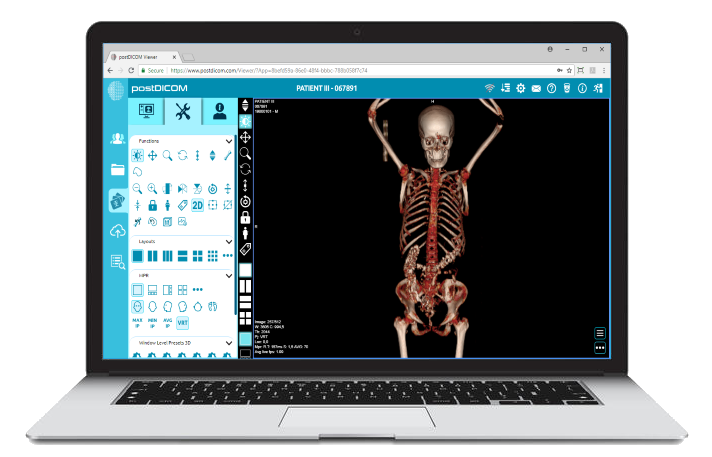
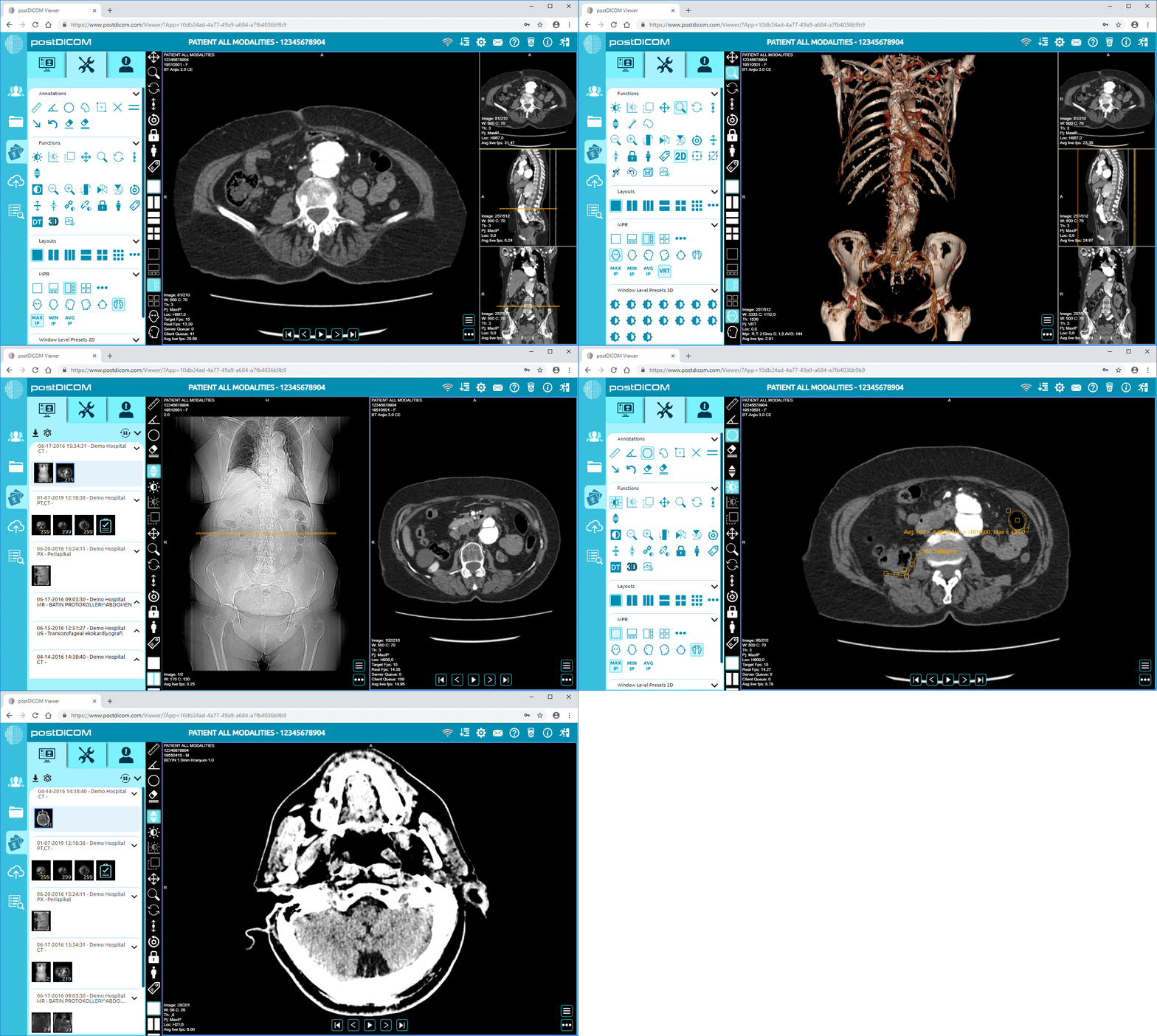
If you've experimented or prototyped on open source PACS in your lab or branch site, you may want to shift production imaging to a stable, fully supported cloud PACS. PostDICOM offers a cloud PACS environment that preserves full DICOM functions, integrates reporting, and includes a CE-certified diagnostic viewer.
You can route core modalities (CT, MRI) to PostDICOM while keeping your open source system for secondary or research tasks. That gives you both security and flexibility.
If your facility lacks the IT capacity, or your clinical demands require a turnkey system with SLA, support, auditability, and certified workflow, PostDICOM might be a better fit than bare open source. You get maintenance, regional cloud locations, built-in redundancy, and vendor responsibility.
You can test its functionality and performance first using a free trial. PostDICOM provides a free trial (often 7 days) so you can check how your imaging workflows behave before full commitment.
Even if you stick with open source PACS long term, you may want to keep the option to export or replicate to PostDICOM for offsite backup, sharing, or disaster recovery. Because PostDICOM supports standard DICOM and integration APIs, you can build bridging scripts or intermediate transfers.
Open source PACS can be a smart choice for research, teaching, or small-scale imaging setups where flexibility and cost matter most. But for clinical environments that need reliability, compliance, and support, it can fall short without extra resources. The best approach is often hybrid, using open source tools for experimentation and pairing them with a managed, secure solution like PostDICOM for clinical operations. PostDICOM offers a scalable cloud PACS with full DICOM functionality and professional support. Try it with a free trial to see how it fits into your imaging workflow.
|
Cloud PACS and Online DICOM ViewerUpload DICOM images and clinical documents to PostDICOM servers. Store, view, collaborate, and share your medical imaging files. |