Are we truly HIPAA compliant, or are we simply trusting marketing promises? A cloud PACS feels modern and efficient, yet a single overlooked setting can undo years of patient trust.
This checklist is for the people who live with that tension. Maybe you run radiology, manage IT, or own a growing clinic that uses PostDICOM to store and view studies. You do not want vague reassurance. You want concrete questions you can put in front of your team and say, let us answer these honestly.
Plenty of people type something like “HIPAA compliance checklist for cloud PACS cloud services free” into a search bar and hope a perfect form appears. No single template can guarantee compliance, but a focused set of questions can guide you toward a program that regulators will recognize as serious.
Treat this as a narrative version of a HIPAA compliance checklist PDF. Copy the questions that fit, adapt them to your own setting, and keep them with your risk assessment.
Before you inspect encryption settings or access logs, you need to know who you are under HIPAA and where electronic protected health information actually travels.
If you are a clinic, hospital, or imaging center, you are almost certainly a covered entity. If you process images for others, you may also act as a business associate. The Security Rule applies either way, yet your contracts and documentation change with your role. Have we clearly recorded which role we play in each line of business? When legal, compliance, and operations describe us, do they all use the same words? If not, your relationship with any cloud PACS provider already rests on shaky ground.
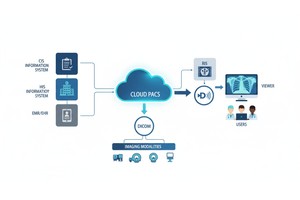
Walk a single study from scanner to archive. Where does it land first? Which gateways, viewers, and cloud endpoints touch it? When PostDICOM stores that study, who can reach it, from which locations, and after which login steps? Do we have a current diagram showing how images travel into our cloud PACS and back out, including teaching libraries and exports? Are temporary storage spots such as workstation caches, mobile devices, or downloaded ZIP files part of that picture, or are we pretending they do not exist?
The official HHS summary of the Security Rule stresses understanding where electronic protected health information is created, received, maintained, and transmitted, because safeguards must cover all of those points, not just the main archive.
Regulators are flexible about tools and strict about one thing. You must run a risk analysis and update it as systems change. NIST SP 800 66, which translates the Security Rule into practical steps, places risk analysis at the center of a compliant program.
Quick self-check:
Have we identified concrete threats to our cloud PACS, such as misconfiguration, stolen credentials, and vendor outages, and written them down? Do we rank those risks by likelihood and impact and link them to specific controls, or do we just keep a static list for show?
Do our written procedures for access control, minimum necessary use, and incident response explicitly address our cloud PACS and image-sharing workflows? If a technologist wants to share images with an outside physician, can they describe the approved method that uses PostDICOM, or do they quietly fall back to ad hoc tools and personal email? When policies, training, and day-to-day habits align, staff decisions start to reinforce compliance rather than quietly undermine it.
Any cloud service that stores or transmits electronic protected health information for you must sign a business associate agreement. HHS publishes cloud-specific guidance that explains what should be covered when you rely on cloud providers. HHS HIPAA cloud computing guidance (HHS). Does your agreement with PostDICOM specify security responsibilities, breach notification timelines, and how data will be returned or deleted upon contract termination? Are there conflicts between that agreement and any standard terms of service or service level agreements that could create confusion during an incident?
Cloud PACS platforms usually provide encryption in transit, encryption at rest, and role-based access control. PostDICOM is designed to be compliant with HIPAA and GDPR, with data encrypted and protected against unauthorized access. That is a strong starting point, yet configuration remains your responsibility. Are all connections to the PACS restricted to secure protocols, and are legacy or test interfaces fully disabled? Do privileged accounts use strong authentication, ideally multifactor, and do you remove access promptly when someone changes roles or leaves? How many accounts still exist for people who no longer work with you simply because nobody owns the offboarding checklist?
 - Created by PostDICOM.jpg)
Cloud PACS systems are very good at logging. The problem is not a lack of data. It is a lack of attention. Can you see who viewed, downloaded, or shared a study, and from which device or network they did so? Do you send the necessary logs to a central monitoring platform, or do they live only in the vendor console until something goes wrong? If you cannot answer a simple access question for a specific study, you will struggle to respond convincingly to patient complaints or regulator inquiries.
Incidents are stressful enough without improvisation. Imagine a technologist accidentally sharing a study with the wrong physician, or a laptop with cached images getting stolen from a car. In that moment, does everyone know what to do? Your internal HIPAA compliance checklist PDF should capture at least three answers. Who leads the investigation and whom they must notify. Which systems and logs must be reviewed to understand the scope of the event? How do you decide whether the event is a reportable breach, and how communication with regulators and patients will work if it is?
By now, it should be clear that a serious HIPAA compliance checklist for cloud PACS is less about ticking boxes and more about asking pointed questions. It is tempting to rely solely on vendor claims, yet regulators expect you to demonstrate how those claims translate into policies, controls, and evidence in your own environment.
You can turn the sections above into a simple table, export it as a HIPAA compliance checklist PDF for internal use, and review it alongside your risk analysis each year.
For teams using PostDICOM, the good news is that the platform brings affordable cloud PACS, secure cloud storage, and a web-based DICOM viewer together in one place, with generous starter space for new users. That means you can spend less time nursing old local servers and more time building a clear, defensible compliance story around a modern cloud service.
In the end, the central question is simple. When the following audit letter arrives, would you rather scramble through inboxes and old meeting notes, or calmly open a document that shows exactly how your cloud PACS protects electronic protected health information? The work you invest in this checklist today decides which of those stories you get to tell.
|
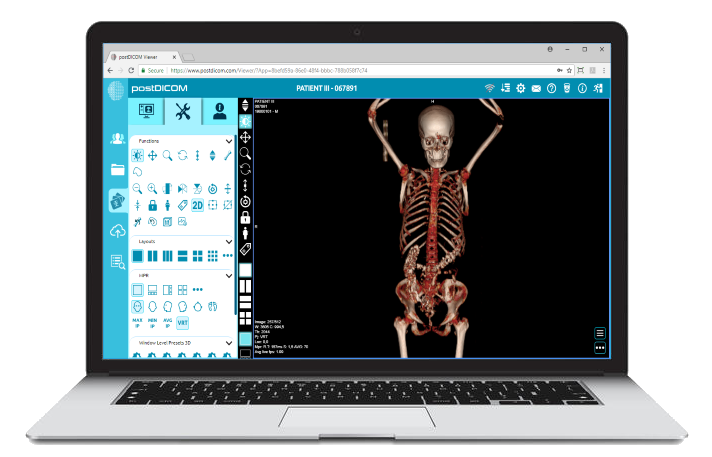
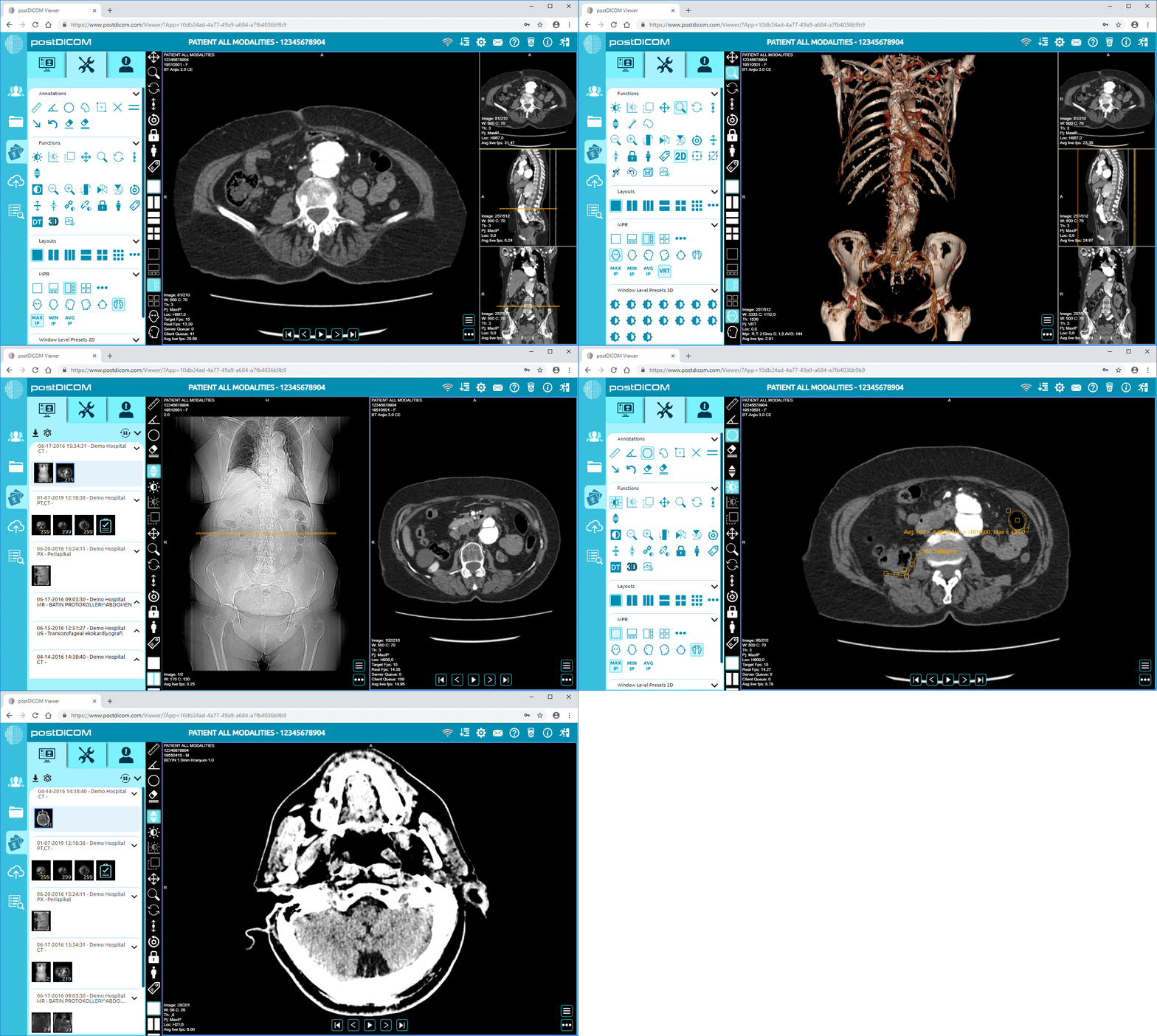
Cloud PACS and Online DICOM ViewerUpload DICOM images and clinical documents to PostDICOM servers. Store, view, collaborate, and share your medical imaging files. |