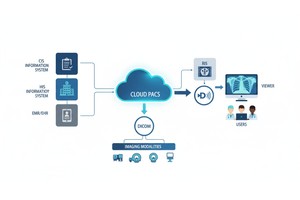
- Created by PostDICOM.jpg)
PACS security usually fails in a boring way. Not with a dramatic “movie hacker” moment, but with a reused password, an overpowered user role, a share link that lives forever, or a quiet export that nobody notices until someone asks, “Why is this study in the wrong place?”
So if you’re looking for PACS security essentials with a real-time mindset, don’t start with a 40-page policy. Start with visibility. You want to spot the handful of behaviors that show up early in most incidents, and you want a simple response routine so the alert actually leads to action.
Real-time PACS security essentials means continuously monitoring logins, permissions, and data movement (view, share, export, delete) and alerting on specific suspicious patterns—like repeated failed logins, new locations/devices, unexpected admin changes, and unusual download/export spikes, so you can contain issues quickly instead of discovering them later in an audit. This aligns with NIST’s continuous monitoring approach and the general need for audit controls and transmission safeguards in healthcare security expectations.
Logs are not real-time security. Logs are a record. Real-time security is a loop:
1. Something Happens (login Attempt, Share Link Created, Export Started).
2. A Rule Evaluates It (is This Normal For This User And Role?).
3. An Alert Goes To The Right Person Quickly.
4. A Small, Repeatable Response Happens (contain First, Investigate Second).
NIST’s guidance on continuous monitoring and logging supports this idea: you’re using events and logs to detect, respond, and limit impact, not just to document what happened after the fact.
You don’t need 200 alerts. You need the right 5, tuned with thresholds that aren’t vague.
If someone hits your PACS with repeated bad passwords, you want to know now, not later.
A practical rule: trigger an alert when a user account has 8+ failed logins in 10 minutes, or when a single IP has 20+ failures in 10 minutes, or when there’s a successful login immediately after a burst of failures (that last pattern is a classic sign that the attacker finally got in). When this fires, your best first move is containment: lock the account or temporarily suspend sign-in, then verify the user.
Radiology patterns are predictable. A radiologist who always signs in from one region, suddenly appearing on a new continent, is not automatically an attack, but it is always worth a check.
A practical rule: alert on first-time sign-ins from a new country/region, or first-time sign-ins from a new device. Don’t overthink the response. Either it’s legitimate travel (quick confirmation), or it’s not (disable access, reset credentials, and review recent activity).
This is the one that causes “everything looks normal… until it isn’t.” An attacker, or even a well-meaning staff member can change a role, widen access, or create a new account, and suddenly your security model is gone.
This should be a zero-delay alert: any admin grant, any new user creation, and any permission changes to sensitive projects/studies. Access controls and audit controls are part of the HIPAA Security Rule’s technical safeguard expectations, and even if you’re outside the U.S., the principle is universal: you must know when access control changes occur.
(2) - Created by PostDICOM.jpg)
If imaging data starts moving out in volume, that’s a high-priority event. The perfect threshold depends on your environment, but here’s a solid starting point:
Alert when a non-admin user exports 15+ studies in 30 minutes, or when export activity is suddenly far above that user’s normal baseline (for example, someone who exports one study a week suddenly exporting ten in an hour). Pair this alert with context: did a new device sign-in happen right before the export spike? If yes, treat it as urgent.
Sharing is necessary. Uncontrolled sharing is where trouble sneaks in.
Alert on a spike in share links created by one account in a short window, or on a sudden increase in unique external recipients. The response is simple: expire the links, confirm recipients, and restrict external sharing to the right roles.
When an alert fires, don’t start with a debate. Start with a routine.
Contain first: disable the account or revoke sessions if the access looks suspicious. Preserve the evidence: capture the event details and logs you’ll need later. Then scope: which studies were touched, shared, or exported? Finally, reset: credentials and roles, and tighten sharing settings. This “detect → respond → limit impact” concept is consistent with how continuous monitoring is intended to work.
Use this as a short audit. If you can’t confidently answer “yes,” you’ve found a real improvement.
• Every User Has A Unique Login (no Shared Accounts).
• Roles Are Least-privilege (not Everyone Is Admin).
• Mfa Is Used For Admin And Remote Access Where Possible.
• You Alert On Login Failure Bursts And New Device/location Sign-ins.
• You Alert Immediately On Admin Grants And Permission Changes.
• You Alert On Bulk Exports/download Spikes And Bulk Sharing.
• Data Is Encrypted In Transit And At Rest.
• You Have A Simple Response Routine And A Named Owner For Alerts.
For HIPAA-aligned environments, the themes behind this checklist map cleanly to technical safeguards like access control, audit controls, integrity, authentication, and transmission security.
Vendor security foundations matter, but they don’t replace your operational controls.
PostDICOM states that it encrypts data with AES-256 and stores it on Microsoft Azure storage in the selected region. That’s a strong baseline. What makes the difference day to day is how you access, sharing, and monitoring in your real workflow, especially the five signals above.
If you want to pressure-test your real-time PACS security essentials with your actual team (real users, real sharing, real study volume), start PostDICOM’s 7-Day Free Trial and run this checklist during the trial period. Tune the alert thresholds, verify access roles, and confirm your response routine before you scale usage.
Start the free trial: https://www.postdicom.com/en/signup
|
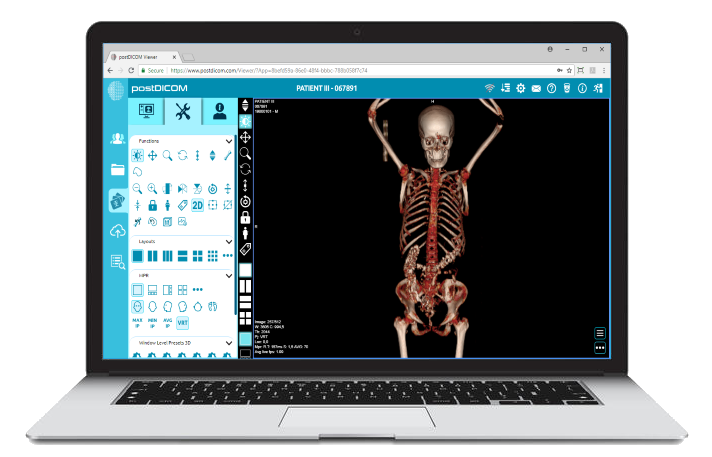
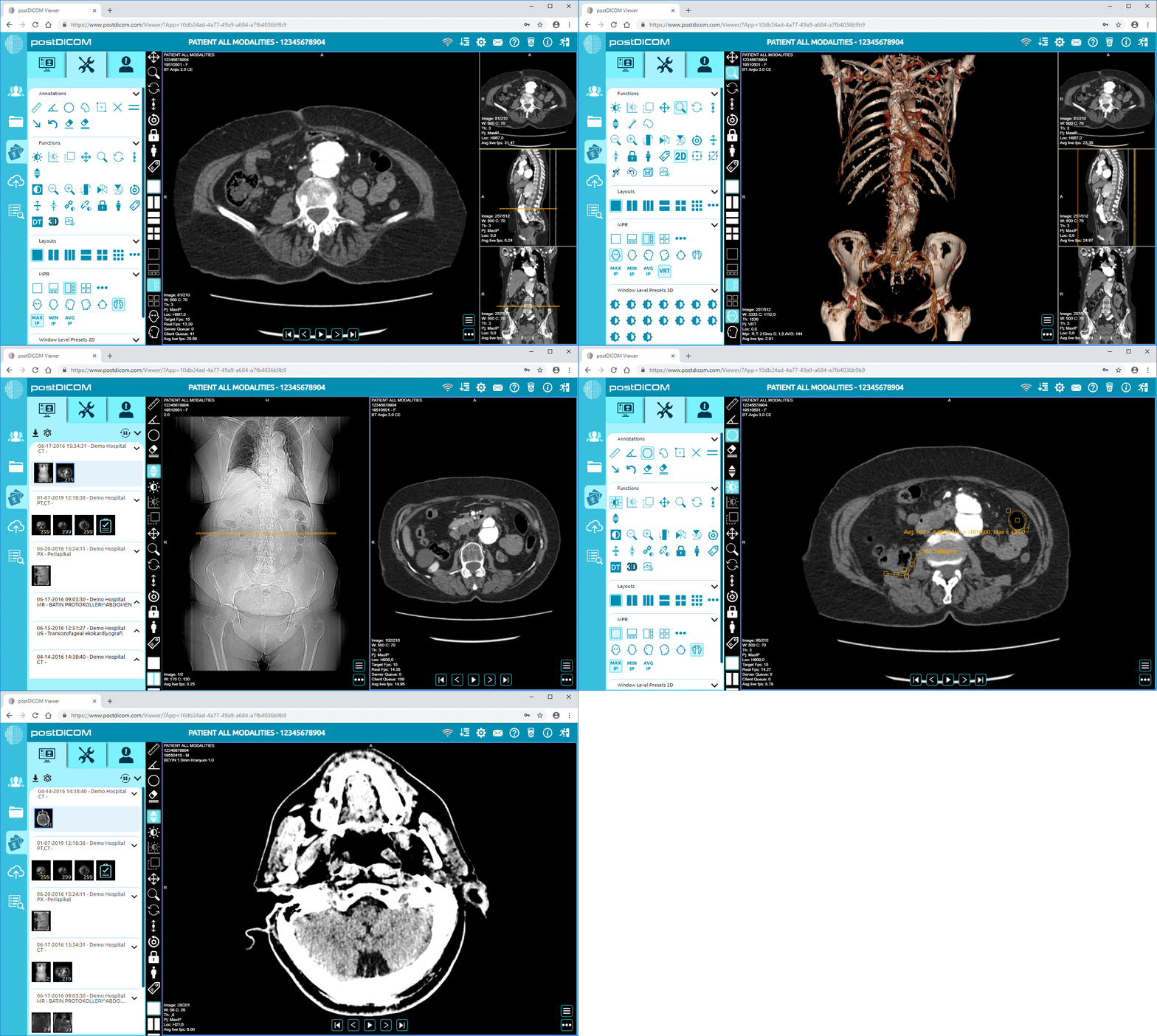
Cloud PACS and Online DICOM ViewerUpload DICOM images and clinical documents to PostDICOM servers. Store, view, collaborate, and share your medical imaging files. |