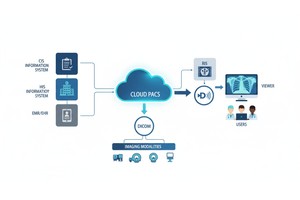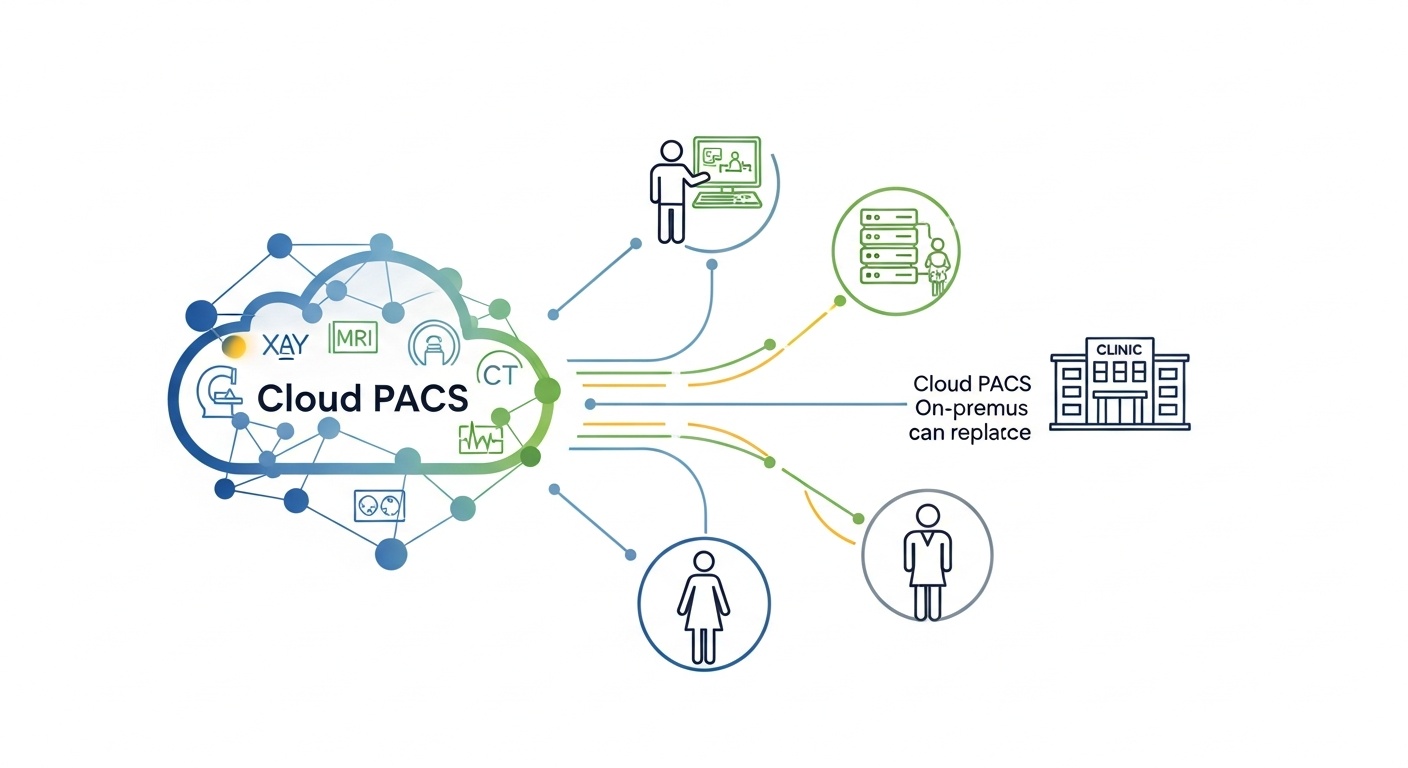
Picture this. It’s Monday morning. The waiting room is already awake, your tech is juggling two patients, and someone asks the question every clinic owner secretly dreads: “So… are the images showing up?”
That’s the real Cloud PACS go-live moment. Not the email thread. Not the kickoff call. It’s the first live patient, the first study, the first time your team tries to do their job without thinking about the system at all. Because that’s the goal, right? The PACS should feel like plumbing. Useful, invisible, and only noticed when it’s not working.
If you’re going live with PostDICOM, this guide is built for you and for the kind of clinic that doesn’t have time for a 42-step rollout document. You want the essentials, accuracy, and a plan that reduces surprises. Still, let’s be honest, no go-live is perfectly smooth. The win is making the bumps small and fixable.
• Go-live Success Is Mostly Preparation, Not Luck.
• Test Every Modality End-to-end, Not Just One “good Enough” Machine.
• Permissions And Patient Info Rules Prevent Most Daily Headaches.
• Training Should Match Real Roles, Not Generic Features.
• A Backup Plan Turns Panic Into A Routine Decision.
A good go-live checklist is like a pre-flight check. You’re not admiring the aircraft. You’re confirming it won’t embarrass you at 30,000 feet. The same logic applies to Cloud PACS. PostDICOM provides cloud-based PACS functionality for uploading, storing, viewing, reporting, and sharing DICOM images, so your checklist should focus on the basics that make those actions reliable for daily clinic work.
First things first, set up the environment so your staff can actually use the system without calling you every ten minutes. That sounds obvious, yet clinics often rush past it because it feels like “admin work.” Then, go-live day arrives, and you discover that half the team can’t access what they need.
Start with accounts, roles, and a simple access structure that matches how your clinic operates. If your clinic has one super user, one lead technologist, and rotating physicians, reflect that in permissions. You don’t need a complex hierarchy to be secure. You need clarity.
Everyone who needs to work on day one can log in and access the right areas. Admin access is limited to the people who truly need it. If someone leaves the clinic, you know exactly how access will be removed. That kind of discipline also aligns with common HIPAA Security Rule expectations for safeguarding electronic protected health information.
Connectivity is where Cloud PACS go-lives either feel effortless or feel like you’re trying to fax a thunderstorm. The principle is simple. Every modality that generates imaging data must reliably send studies to the destination, and the destination must consistently accept them.
So, connect every modality, not just the one you tested first. CT, MRI, X-ray, ultrasound, whatever you run. If your clinic uses gateways, routers, or DICOM send nodes, include them in testing too. DICOM exists for a reason: interoperability, consistency, and clinical-grade exchange of imaging information.
Testing one modality and declaring victory is tempting. It’s also how missing study tickets are born. Each machine can have different DICOM settings, AE titles, ports, or sending behavior. Treat them like unique animals. They all need a quick health check.
Okay, the study arrived. Now comes the part that patients never see but clinicians absolutely care about. Can they view it quickly, comfortably, and with the tools they actually use?
PostDICOM positions its viewer and Cloud PACS experience around web-based access and includes a diagnostic viewer with advanced tools such as MPR and 3D rendering, depending on your configuration and needs.
But here’s the nuance. Most clinics don’t fail at go-live because a viewer exists. They stumble because the “last mile” workflow is clunky. The doctor can’t find the patient. The layout is confusing. The image takes too long to load on the office WiFi. That’s where you test like a real human, not like a demo.
Open studies on the devices your team actually uses, including the older workstation at the end of the hall that nobody wants to admit is still in service. Test in your typical network conditions, not at midnight when everything is quiet. If remote reading matters for your clinic, test remote access from the real location, not from the IT desk.
Patient info is boring until it’s chaos. Then it becomes the only topic anyone wants to talk about.
Cloud PACS workflows depend on quickly finding the right patient and the right study. If names and IDs are entered inconsistently, search results become messy, duplicates appear, and staff waste time. It’s not a glamorous problem, but it’s one of the most expensive ones in daily friction.
 - Created by PostDICOM.jpg)
Decide on a simple rule for patient identifiers. For example, always use the same format for names, avoid random middle initials, and confirm how your clinic handles MRNs or internal IDs. If your clinic sometimes receives referrals with incomplete demographics, create a quick front-desk rule for handling them so you don’t have to reinvent the wheel for every patient.
Write a one-paragraph patient-naming and ID rule and train everyone on it. It’s not overkill. It’s protection against the slow drip of confusion that makes staff say, “The system is annoying,” when the real culprit is inconsistent data entry.
Training is where good intentions go to die if you make it too broad. The best training is short, role-based, and practical. People don’t want the feature tour. They want to know how to do their job in the new world.
So, train by role.
Technologists should learn how to confirm a send, how to spot a failed transfer, and what to do if a study didn’t arrive. Physicians should learn how to search, open, compare, and share. Admin staff should learn the basics of users and how to properly route questions.
Keep training materials simple. A one-page quick guide beats a 40-page manual. Add screenshots if you want, but keep it short. When staff are busy, short wins.
Go-live day should feel controlled, not heroic. Heroic go-lives are fun in stories but terrible in clinics.
Pick a start time that makes sense. If your clinic can go live in a quieter window, do it. Then start with one real patient case and follow the whole chain: acquisition, send, receive, view. If that case is clean, move forward. If it’s not, pause and fix the issue before volume ramps up.
Begin with a quick huddle. Confirm who is watching the system, who is supporting staff, and where issues get logged. Then keep a shared issue list, even if it’s just a simple spreadsheet. Problems feel smaller when they have a place to go.
Let’s talk about the thing everyone hopes they won’t need. The backup plan.
A backup plan is not pessimism. It’s professionalism.
If a modality fails to send, what happens? Can you resend? Can you store locally temporarily? Who decides the next step? If the internet drops, what is your downtime process? If a staff member unexpectedly loses access, who resets it, and how quickly?
Also, security matters here. Clinics handling electronic health information should have reasonable safeguards and response plans in place. The HIPAA Security Rule guidance materials are a solid reference point for thinking about safeguards and incident readiness.
Keep it short. One page is enough. Include triggers, actions, and owners. The moment it becomes a novel, nobody reads it.
Most Cloud PACS go-live problems aren’t mysterious. They’re predictable.
One common mistake is under-testing. Another is assuming staff will “figure it out.” They will, but they’ll also invent habits that you later have to undo. Then there’s the security blind spot: treating cybersecurity as a hospital problem, not a clinic problem. In reality, any organization handling health data benefits from structured cybersecurity thinking, and NIST’s Cybersecurity Framework is widely used as a practical way to organize that thinking.
Finally, clinics sometimes skip governance. Who owns the system after go-live? Who approves changes? Who reviews user access quarterly? Without those answers, the system slowly drifts toward “everyone has access to everything,” which feels convenient until it becomes a problem.
If you want the smoothest path, treat go-live as a short project with a clear finish line, and treat post-go-live as a routine with light ongoing maintenance.
For a small clinic with a few modalities, the technical setup and testing can often be done in days, but the real timeline depends on connectivity, workflow complexity, and how quickly staff training happens. If integrations are involved, expect more time.
At minimum, send a test study from every modality, confirm it arrives, confirm it opens, and confirm a clinician can find it using normal search habits. If you only test one machine, you’re basically guessing.
Limit admin access to the smallest reasonable group, usually an owner or manager plus one trusted operational lead. Everyone else should have role-appropriate access. This aligns with sensible access management practices and broader HIPAA-style security expectations.
Most missing study issues stem from routing settings, incorrect modality configuration, network instability, or inconsistent patient identifiers. The fix is usually straightforward once you know which of those categories you’re dealing with.
You don’t need to become a DICOM expert, but you should respect that DICOM is the standard that makes medical imaging exchange interoperable. When issues arise, DICOM configuration details are often where the answer lives.
A Cloud PACS go-live doesn’t need drama. It needs structure.
If your team can log in, send studies, find the right patient, open images comfortably, and keep moving even when a hiccup happens, you’re in great shape. The rest is refinement, and refinement is a lot more pleasant when you’re not in survival mode.
Want a second set of eyes before you flip the switch? PostDICOM’s Cloud PACS is built around secure upload, storage, viewing, and sharing, and a guided go-live review can help you confirm the clinic-specific details you don’t want to discover on a busy morning.
Request a PostDICOM demo session and get a simple clinic-ready checklist tailored to your modalities and workflow.
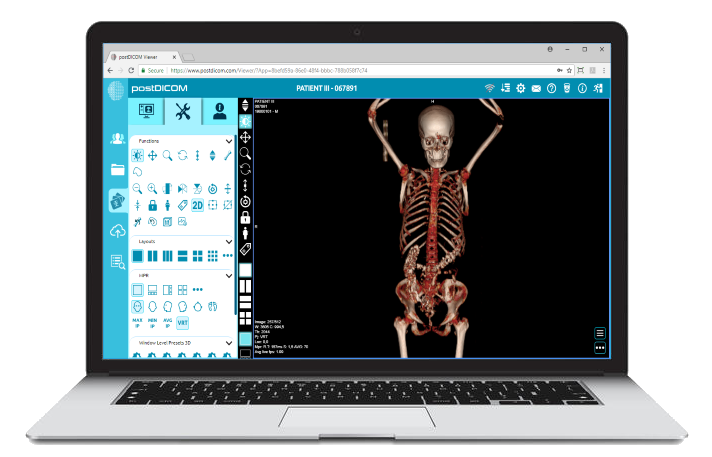
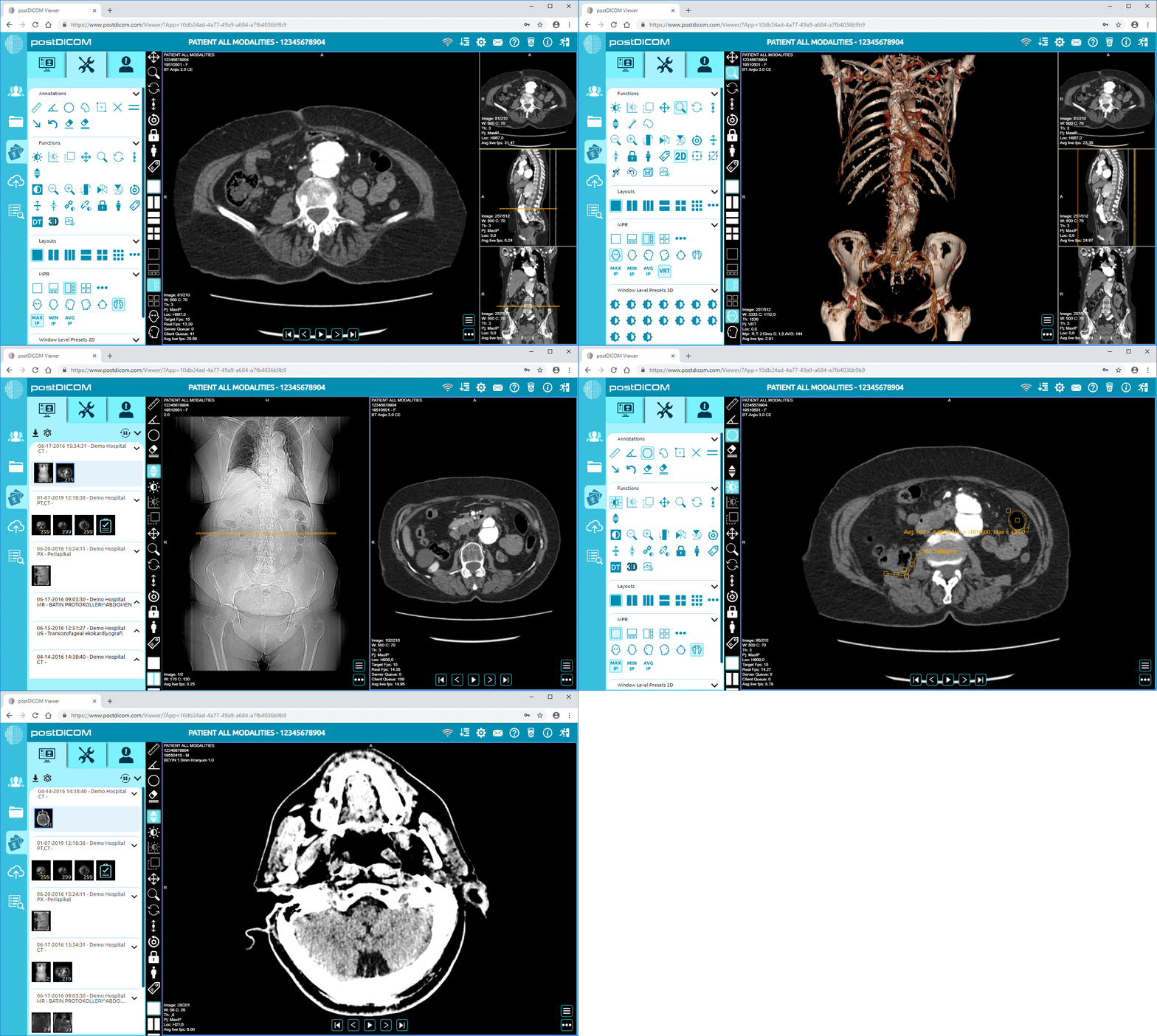
|
Cloud PACS and Online DICOM ViewerUpload DICOM images and clinical documents to PostDICOM servers. Store, view, collaborate, and share your medical imaging files. |